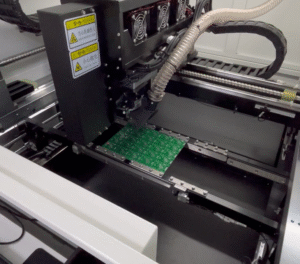


Choosing laser power and wavelength for a CCD laser marking machine confuses many buyers. Pick wrong, and you waste money or get unreadable marks. Our Dongguan factory sees this weekly.
For metal marking with a CCD machine, choose a 1064nm fiber laser as the standard wavelength. Use 20W–30W for serial numbers and logos, 50W for all-purpose industrial work, and 80W–100W+ for deep engraving or high-speed production lines.
That is the short answer. But the details matter. Let me walk you through power, wavelength, and how the CCD system fits in.
What Laser Power Do I Need to Mark Different Metals Effectively?
A purchasing manager from Turkey once asked our engineers for a 100W machine to mark QR codes on stainless steel. We tested his sample on a 20W unit. It worked perfectly, and he saved thousands.
Most metal marking jobs need 20W–30W for shallow marks like serial numbers, QR codes, and logos. Choose 50W for deeper engraving and faster cycles. Pick 80W–100W+ only for deep engraving, tough alloys, or demanding industrial throughput.
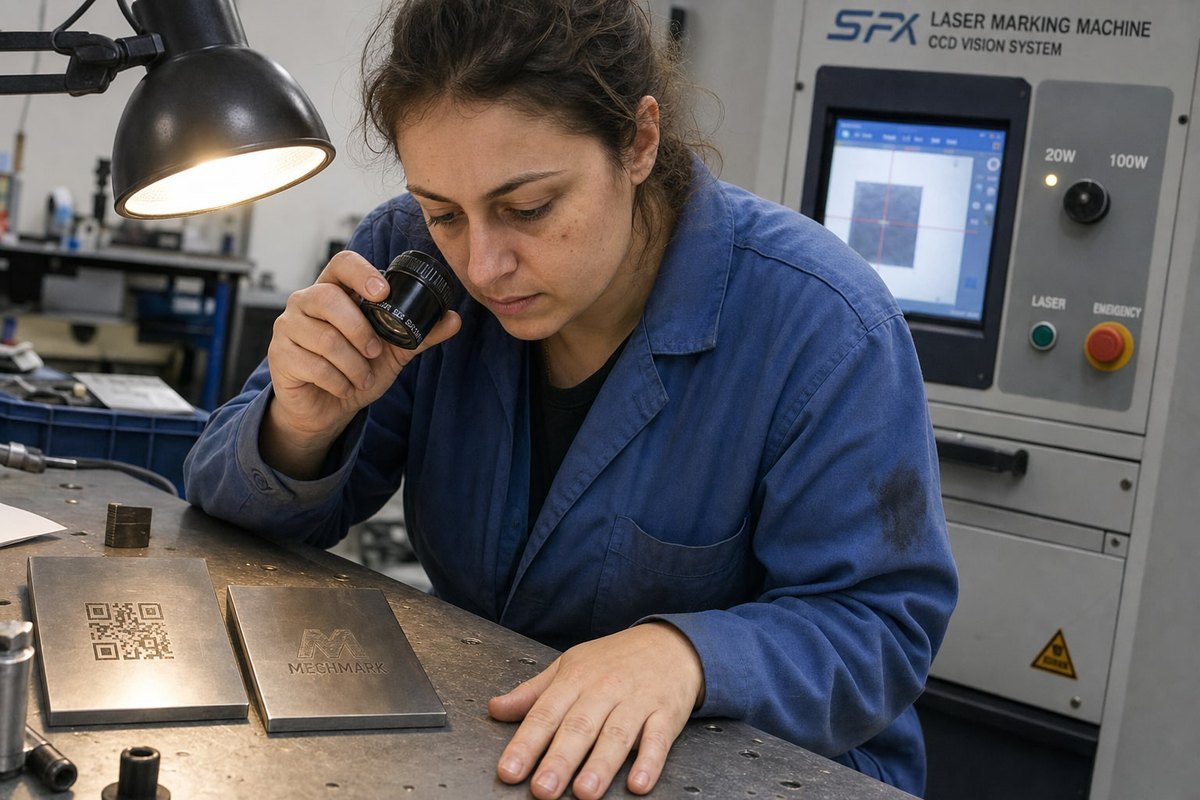
Power is the first thing buyers ask about. But the right question is not "how many watts?" It is "what result do I need, on what metal, at what speed?" Here is how I break it down for customers.
Power Ranges by Application
| Power Level | Best For | Typical Metals |
|---|---|---|
| 20W–30W | Serial numbers, QR codes, small logos, surface marks | Stainless steel, anodized aluminum |
| 30W–50W | General part IDs, inline traceability, moderate depth | Steel, aluminum, brass |
| 50W–80W | Faster marking, deeper engraving, harder alloys | Titanium, tool steel |
| 80W–100W+ | Deep engraving, high-volume lines, tough jobs | All industrial metals |
Depth vs. Speed vs. Power
Lower power still produces excellent marks if you only need surface contrast. The fiber laser source 1 must be well focused, and the pulse frequency must match the job. Higher frequencies give smoother, finer surface marks. Lower frequencies push energy deeper for engraving.
More power does not mean better quality. It means more margin. You can mark faster, go deeper, or use multiple passes with less time penalty. But overpowering a job can overheat the part, enlarge the heat-affected zone, and ruin the finish.
Here is a personal rule I share with every buyer: if two machines can both reach your target depth, pick the higher power one. It gives you headroom. And if your parts run on a high-speed production line, go one power tier higher than the lab test suggests. Line speed eats power margin fast.
One more tip from our export experience: send us real part samples before you buy. We mark them, film the process, and ship them back. A sample test beats any spec sheet.
Which Wavelength Works Best for Stainless Steel, Aluminum, or Titanium Marking?
During a calibration session last year, one of our solution design engineers explained wavelength to a visiting client in one sentence: the metal decides which light it absorbs, and absorption decides everything.
The 1064nm wavelength from a fiber laser is the best choice for stainless steel, aluminum, and titanium. These metals absorb infrared light efficiently. Reserve UV (355nm) or green (532nm) lasers for highly reflective metals like copper, gold, or ultra-fine cold marking.
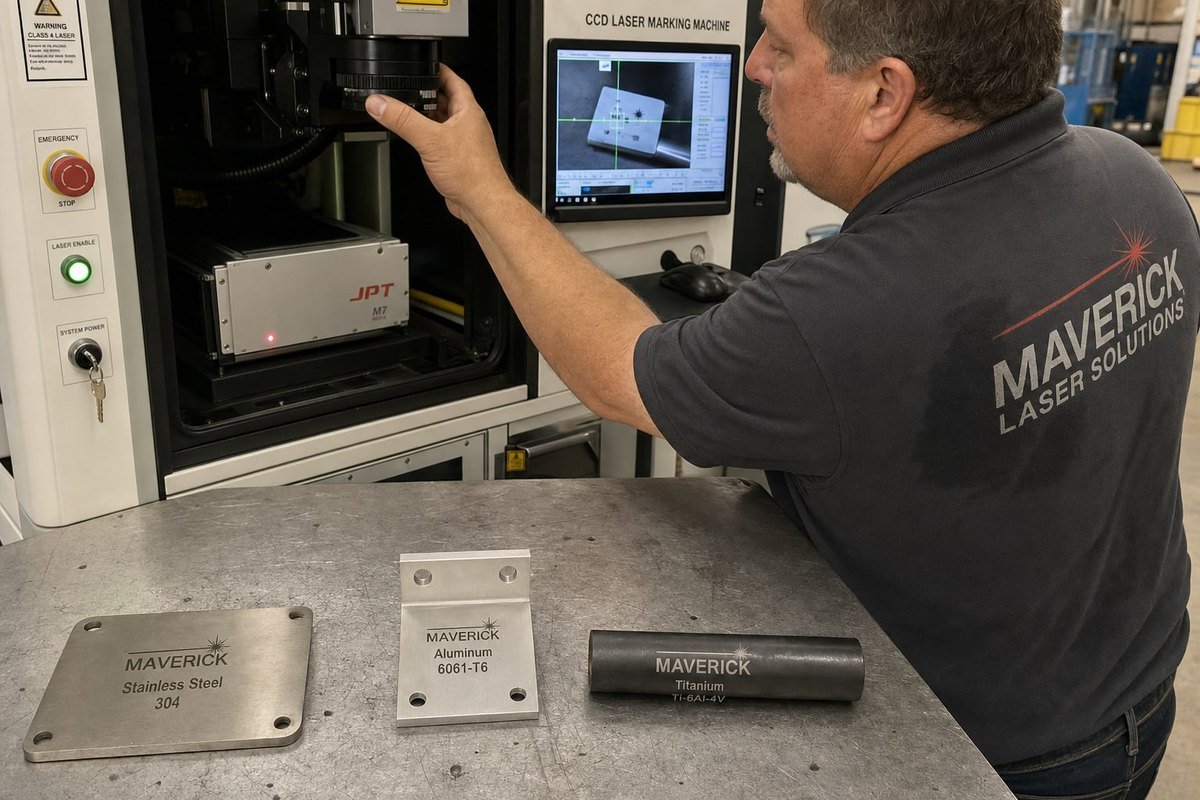
Wavelength choice sounds complicated. In practice, for metals, the decision is mostly made for you. Here is the quick comparison, then the reasoning.
| Wavelength | Laser Type | Best Metals | Notes |
|---|---|---|---|
| 1064nm | Fiber laser | Stainless steel, aluminum, titanium, brass, iron | Industry standard; high material absorption rate |
| 532nm | Green laser | Copper, gold, silver, silicon | For metals with poor infrared absorption |
| 355nm | UV laser | Reflective or delicate metals | Cold marking; minimal heat-affected zone |
| 10600nm | CO₂ laser | Not suitable for bare metal | Needs marking sprays or coatings |
Why 1064nm Dominates Metal Marking
Bare metals absorb 1064nm infrared light well. That is why nearly every CCD laser marking machine built for metal uses a fiber laser source. It couples efficiently with steel, aluminum, and titanium. It supports fast, high-contrast marking. And it needs little maintenance.
CO₂ lasers 2, by contrast, mostly reflect off bare metal. They only work with coated surfaces or marking sprays. That is a workaround, not a solution.
The Reflectivity Problem
Here is something I learned the hard way in our workshop: different metals reflect very differently. Copper and gold bounce back much of the 1064nm beam. This wastes energy and can even risk back-reflection damage 3 to the laser. For these metals, a green laser or a MOPA fiber system with adjusted parameters works better.
MOPA laser technology 4 also deserves a mention for stainless steel and titanium. Its adjustable pulse widths let you create high-contrast black marks or even color marks through controlled annealing. If your brand requires deep black codes on stainless steel, ask for a MOPA source. We build many of these for medical device and auto parts customers, where contrast and legibility are non-negotiable.
How Does the CCD System Affect My Choice of Laser Power and Wavelength?
There is a trade-off I explain to almost every buyer who visits our Dongguan facility: the camera and the laser solve two different problems, and mixing them up leads to bad purchases.
The CCD system does not change your power or wavelength choice directly. It controls where the mark goes, not how strong it is. However, CCD-enabled automation often means faster line speeds, which may justify stepping up one power level.
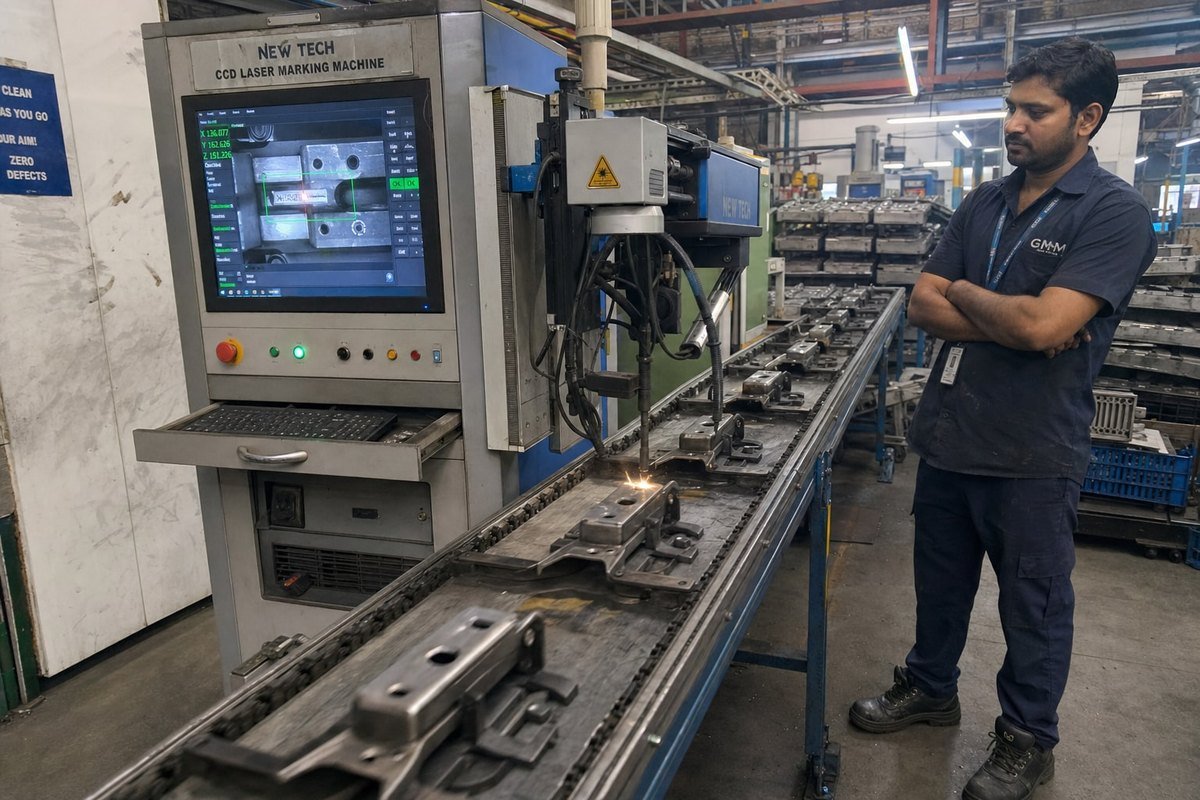
Let me separate the two roles clearly, because vendor marketing often blurs them.
What the CCD Actually Does
The visual positioning system uses a camera to identify each part before the laser fires. It corrects for placement variation, rotation, and offset. Then the galvanometer scanner 5 steers the beam to the exact position. The result is micron-level positioning accuracy without fixtures or manual alignment.
This matters most when:
- Parts are small and hard to fixture.
- Parts arrive in random positions on a conveyor.
- Shapes are irregular.
- You run multi-batch production with frequent changeovers.
What the CCD Does Not Do
The camera does not improve mark contrast. It does not compensate for wrong focal length. It does not fix poor parameter selection. The laser physics stay the same. Power, wavelength, pulse frequency 6, and focus still determine the mark itself.
Where CCD Indirectly Shapes Your Power Choice
Here is the subtle part. Buyers who invest in CCD positioning usually do so for automated, high-throughput lines. On a fast line, the laser has less dwell time per part. Less time means you need more power to achieve the same mark. This is why I advise line-integration customers to select one power tier higher than their bench test suggests.
Two technical details also matter. First, the CCD lens needs a narrow-band optical filter 7 matched to the laser wavelength. Without it, back-reflection during marking can blind or damage the sensor. Second, advanced systems use CCD-based auto-focus to adjust the Z-axis on warped or non-planar surfaces. This keeps power density consistent, so your chosen wattage actually delivers its rated effect on every part. Our engineers calibrate the camera field and marking field together on every machine before it ships.
Can I Use One CCD Laser Marking Machine for Multiple Metal Types?
A client in Italy who runs a job shop once messaged me on WhatsApp with a simple worry: he marks stainless steel today, aluminum tomorrow, and brass next week. Did he need three machines?
Yes, one CCD fiber laser marking machine at 1064nm can mark stainless steel, aluminum, brass, titanium, and iron. You only need to adjust power, speed, and pulse frequency per metal. Highly reflective copper or gold may need a MOPA source or special parameters.
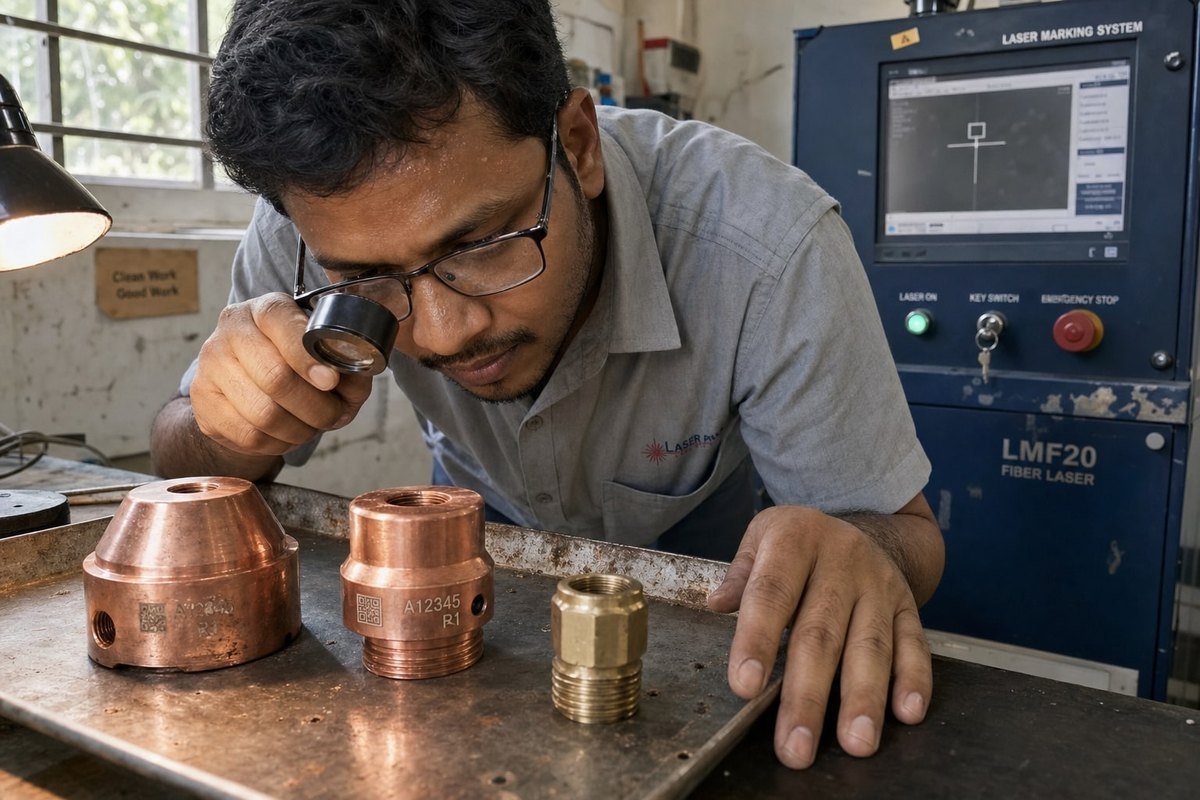
This flexibility is the biggest strength of the fiber platform. One machine, many metals. But each metal behaves differently, so you must save separate parameter sets. Here is a practical starting-point guide we give customers.
Parameter Starting Points by Metal
| Metal | Relative Power | Frequency Approach | Key Consideration |
|---|---|---|---|
| Stainless steel | Low–medium | Higher for fine detail | MOPA enables black/color annealing marks |
| Anodized aluminum | Low | High frequency | Coating responds easily; watch over-burn |
| Bare aluminum | Medium | Medium | Lower contrast; test for legibility |
| Brass | Medium–high | Medium | Moderate reflectivity |
| Titanium alloy | Medium | Adjustable for color | Excellent contrast possible |
| Copper | High or MOPA | Low, high peak power | Strong reflectivity; needs care |
How to Make One Machine Work Across Metals
First, buy enough power for your hardest job, not your easiest one. If titanium engraving needs 50W and stainless codes need 20W, buy the 50W. You can always turn power down. You cannot turn it up past the rated maximum.
Second, use software parameter libraries. Modern marking software saves named profiles per material. Your operator selects "Brass Logo" or "SS QR Code" and the machine loads power, speed, frequency, and focal length settings instantly. The CCD system then handles positioning regardless of which metal is on the table.
Third, mind the reflectivity spread. This is the point I stress most from our production experience: metals vary enormously in how they reflect the beam. A parameter set that works on steel can underperform badly on brass or copper. Never assume. Always run a test grid on each new metal.
Finally, before you purchase anything, ship physical samples of every metal you plan to mark. We run them through candidate machines, compare depth and contrast, and send back marked samples with video. That single step prevents almost every mismatch we have ever seen between buyer expectation and machine capability.
Conclusion
Wrong power wastes money; wrong wavelength wastes parts. Choose 1064nm fiber, size power by depth and line speed, add CCD for positioning, and always test real samples first.
Footnotes
1. Explains fiber laser physics behind the 1064nm standard for industrial metal marking. ↩︎
2. Background on CO2 laser technology explains why it reflects off bare metal. ↩︎
3. OSHA guidance on laser hazards supports the warning about reflective metals damaging equipment. ↩︎
4. Defines MOPA architecture referenced for adjustable pulse widths and color marking. ↩︎
5. Authoritative Wikipedia entry explaining the technology and industrial application of mirror galvanometers in laser marking systems. ↩︎
6. Photonics encyclopedia explains pulse repetition rate’s effect on marking depth and finish. ↩︎
7. ISO standards cover optics and photonics components like filters used in marking systems. ↩︎